


Make sure that your Bluetooth device works
There are many different ways of connecting a device to a computer, whether by means of the different ports or without cables, using Wi-Fi, infrared or Bluetooth. If you need to connect a device by means of Bluetooth you'll require having the necessary drivers installed.
The drivers you need for your Bluetooth to work
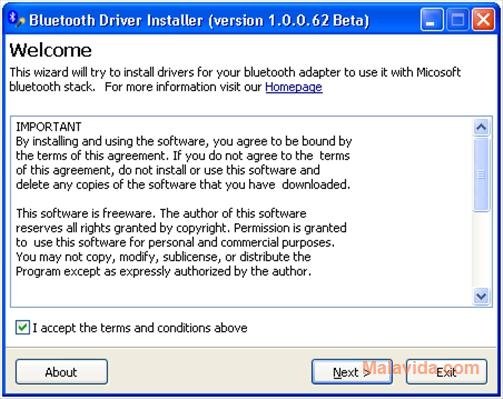
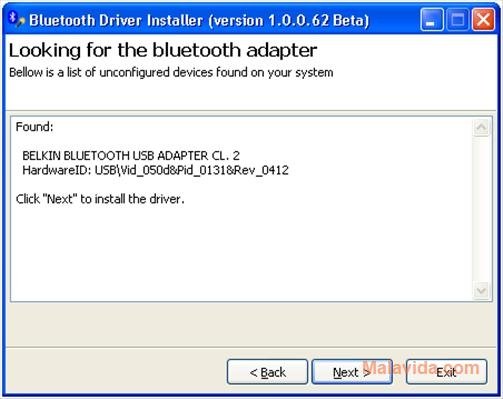
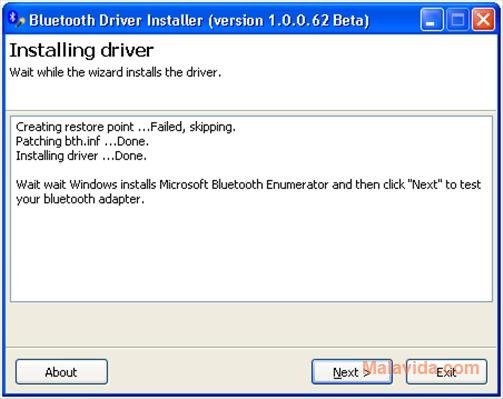
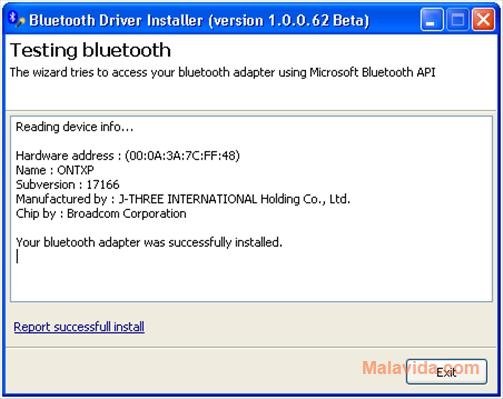
And if you don't have access to the specific drivers for the device you can always resort to Bluetooth Driver Installer to be able to install the generic driver that Microsoft has developed for Bluetooth devices. Installing Bluetooth Driver Installer is very easy, all you'll have to do is connect the Bluetooth receiver to the computer and launch the assistant for the installer, once this is done, you only need to follow the steps that appear on-screen and everything will be done.
Another great advantage of Bluetooth Driver Installer is that it's compatible with the vast majority of Bluetooth devices, reducing the number of drivers you have to install for this kind of device. Therefore, if you need the drivers necessary to recognize a Bluetooth device on your computer, download Bluetooth Driver Installer.
Requirements and additional information:
- You must have a Bluetooth receiving device connected to your computer to install the driver.
 Elies Guzmán
With a degree in History, and later, in Documentation, I have over a decade of experience testing and writing about apps: reviews, guides, articles, news, tricks, and more. They have been countless, especially on Android, an operating system...

Antony Peel